
How to set up your new CR Login Information - Single Sign On
*** CR Mobile users ***
First complete this from the browser version before using the app.
After completion, CR Mobile will require a pin and/or biometric sign-on making login easier: Click here for app video instructions
All CR Users
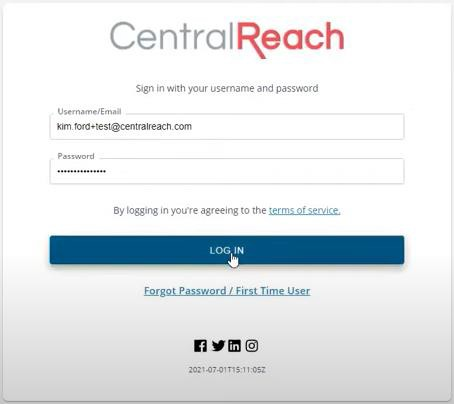
- Enter your current username and password, then click the blue Log In button
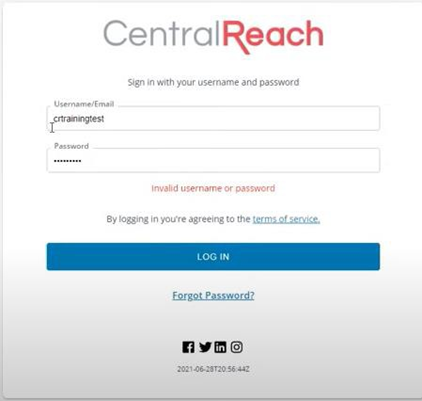
- CR will direct you to enter your ALP
> > > DUE TO SECURITY AND COMPLIANCE, PERSONAL EMAILS SHOULD NOT BE ASSOCIATED WITH CENTRALREACH ACCOUNTS. < < <
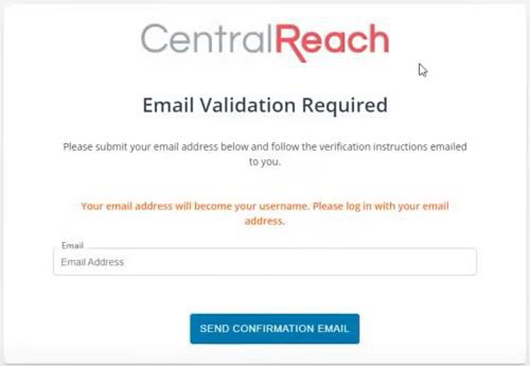
- CR will automatically send you a confirmation email notice
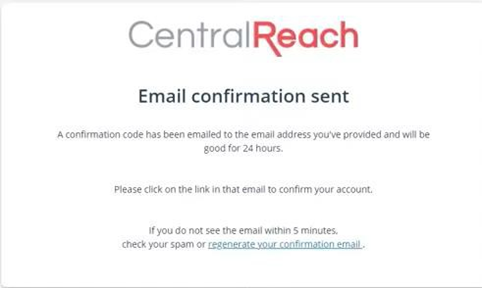
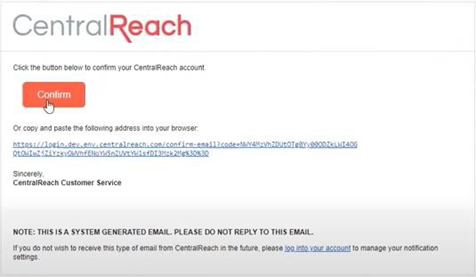
- Find the confirmation email in your ALP email and click the red Confirm button
- You will automatically receive a validation
> This confirms your ALP email is now your new username.
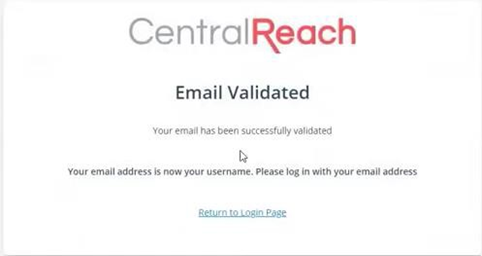
- Click Return to Login Page at the bottom of the validation message

- You can now login using your ALP email 🙂
For more information, please see links below:
Comments
0 comments
Please sign in to leave a comment.