
Step 1) Open your web browser of choice and go to https://office.com
Step 2) Once on the web page, select the “Sign in” option

Step 3) Sign in using your ALP Email credentials
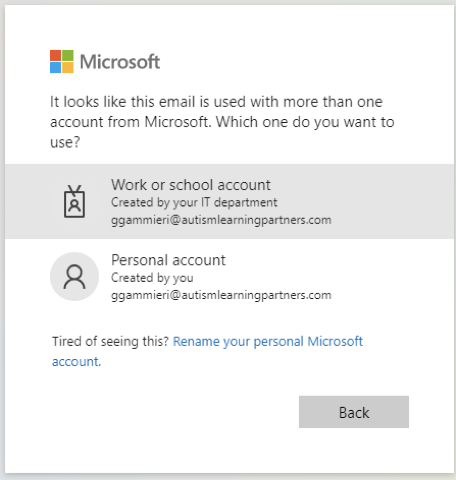
Step 4) Make sure to select that you’re signing in with a Work Account
Step 5) Congrats! You are now signed in and can access all of your O365 Apps on the web.
Comments
0 comments
Please sign in to leave a comment.